Introduction
A classroom becomes more engaging when students get opportunities to see, explore, discuss, and interact with the concepts they are learning.
Traditional teaching methods remain important, but visual resources and interactive technology can introduce additional ways to explain complex topics and encourage classroom participation.
A technology-enabled classroom brings together digital content, interactive explanations, visual demonstrations, and collaborative activities to support everyday teaching.
However, the purpose of classroom technology is not to introduce screens into every lesson. It is to identify situations where the right digital tool can make an explanation clearer, an activity more meaningful, or a concept easier to explore.
For schools, the real opportunity lies in connecting technology with teaching objectives and creating learning experiences that actively involve students.
1. Visual Learning Makes Complex Topics Easier to Explore
Some educational concepts are difficult to explain through spoken instructions or textbook descriptions alone.
Visual resources can help teachers present information in a way that students can observe and understand.
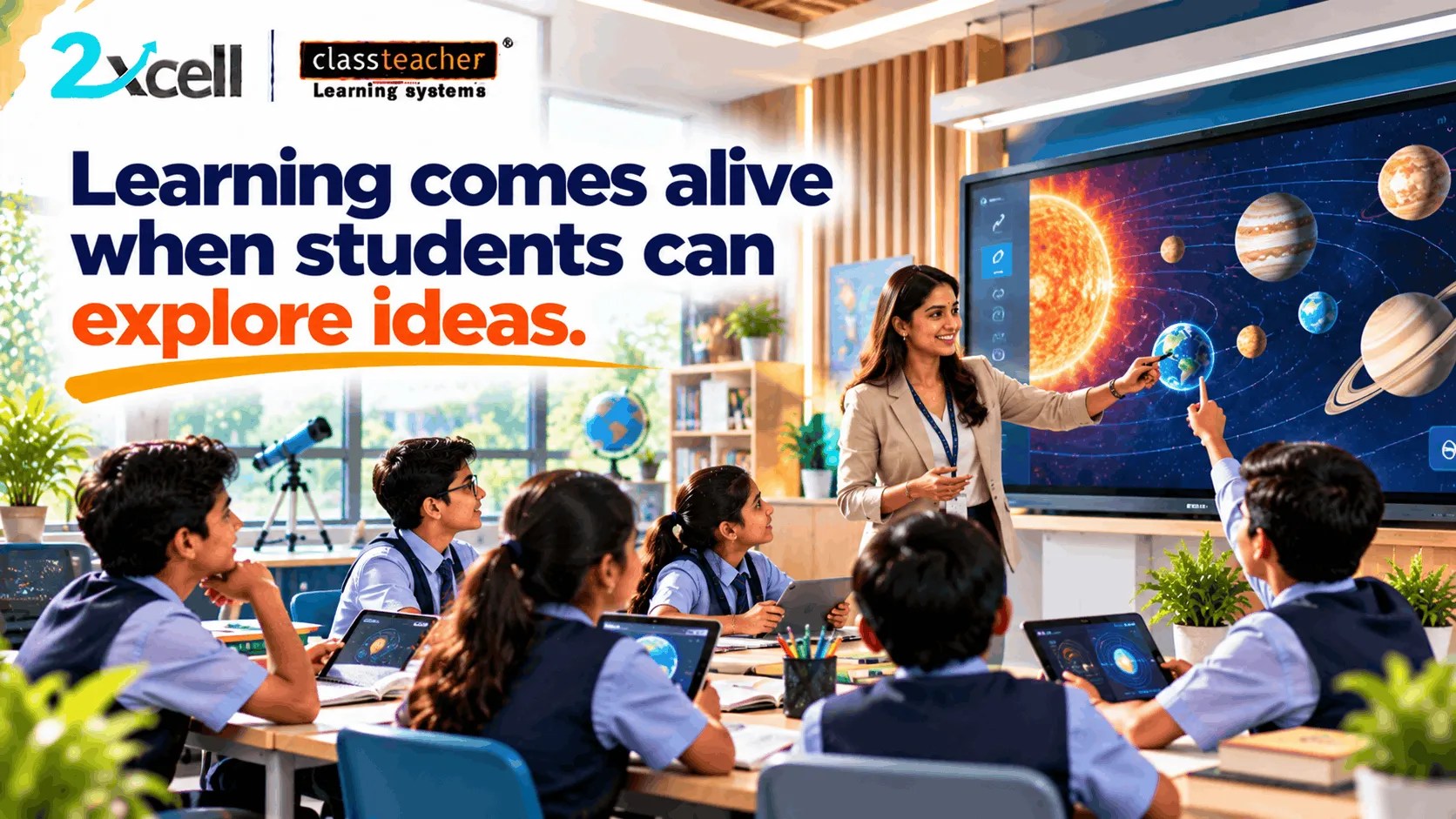
For example, when teaching the solar system, a teacher can use digital diagrams, animations, and visual representations to explain the movement of planets.
Similarly, science teachers can use visual demonstrations to explain natural processes, mathematical teachers can display graphs, and geography teachers can explore maps and geographical features.
Visual learning resources can support:
- Better presentation of complex concepts.
- Clearer explanations through diagrams and illustrations.
- Greater variety in lesson delivery.
- Opportunities to connect theory with visual examples.
- More engaging classroom discussions.
The important factor is choosing visuals that directly support the lesson rather than adding unnecessary animations or effects.
2. Interactive Explanations Encourage Active Participation
A digital presentation does not automatically make a lesson interactive.
Interaction happens when students are encouraged to respond, contribute ideas, answer questions, and participate in the learning process.
Teachers can use interactive explanations to pause at important points, ask students to predict an outcome, invite responses, or explore different possibilities.
For example, during a mathematics lesson, a teacher could display a graph and ask students what happens when a particular value changes.
Students can discuss their observations before the teacher explains the concept further.
This approach creates opportunities for students to think about the information instead of simply watching a presentation.
3. Collaborative Activities Bring Different Perspectives Together
Learning becomes more meaningful when students have opportunities to exchange ideas and work together.
Technology-enabled classrooms can support collaborative activities through shared digital resources, group presentations, interactive exercises, and visual problem-solving tasks.
For example, students working on an environmental science project could examine digital images, compare information, and prepare a group presentation.
Each student can contribute observations and help develop the final explanation.
Collaborative activities can encourage:
- Communication skills.
- Teamwork and cooperation.
- Creative thinking.
- Problem-solving.
- Respect for different viewpoints.
Teachers can use these activities to create a classroom environment where students learn not only from the lesson but also from one another.
4. Digital Demonstrations Help Connect Theory With Real Examples
A demonstration can make an explanation more understandable by showing students how something works.
Instead of relying entirely on verbal descriptions, teachers can use suitable digital resources to present processes, experiments, models, and real-world examples.
Consider a lesson about the human digestive system.
A teacher could display an animated visual explanation of how food moves through different organs. Students can observe the sequence and ask questions about each stage.
In physics, digital demonstrations can help illustrate motion, force, and energy. In mathematics, visual representations can explain patterns and relationships.
Such demonstrations provide additional ways to explore concepts while allowing teachers to guide the discussion.
5. The Teacher Remains at the Centre of the Learning Experience
Technology can provide new resources, but teachers remain responsible for deciding how those resources should be used.
A digital display cannot independently understand the classroom environment, recognise every student's difficulty, or replace the teacher's ability to guide discussion.
Teachers decide:
- Which concept requires visual explanation.
- When an interactive activity is appropriate.
- How students should participate.
- Which resources match the curriculum.
- When to pause and explain a difficult point.
- How to evaluate student understanding.
This is why teacher confidence and familiarity with classroom technology are important.
Schools should provide practical training so educators can use relevant tools comfortably and integrate them into their existing teaching methods.
6. Technology Should Support the Learning Objective, Not Distract From It
One of the most important considerations when introducing classroom technology is knowing when to use it.
Not every topic requires an animation, video, interactive presentation, or digital activity.
Sometimes a textbook explanation, classroom discussion, written exercise, or practical demonstration may be more suitable.
Technology should be selected according to the purpose of the lesson.
Before using a digital resource, teachers can consider:
- Does this resource make the concept easier to understand?
- Will students actively benefit from it?
- Is the content relevant to the curriculum?
- Can it be used effectively within the available lesson time?
- Does it encourage meaningful participation?
This helps schools maintain a balance between conventional teaching approaches and digital learning opportunities.
7. What Should Schools Look for in a Classroom Technology Solution?
School leaders evaluating classroom technology should consider more than the appearance or technical specifications of a device.
The solution should fit the school's teaching environment and support practical classroom requirements.
Important evaluation areas include:
Display and Visual Clarity: Can teachers present educational content clearly to students?
Interactive Capabilities: Does the solution provide useful opportunities for classroom interaction?
Content Compatibility: Can teachers access and present the educational resources they need?
Ease of Use: Can educators operate the technology confidently?
Teacher Training: Is appropriate guidance available for classroom implementation?
Technical Support: What assistance is available when technical difficulties occur?
Curriculum Relevance: Can the technology support the subjects and learning objectives taught by the school?
Evaluating these factors helps schools make decisions based on educational value rather than technology features alone.
8. How Schools Can Introduce Technology Into Everyday Teaching
A structured approach can help schools integrate classroom technology without making the process unnecessarily complicated.
Step 1: Identify Suitable Lessons
Find topics where visual explanations, demonstrations, or interactive activities could provide additional value.
Step 2: Select Relevant Digital Resources
Choose content that matches the subject, grade level, and intended learning outcome.
Step 3: Prepare Teachers
Give educators opportunities to practise using the technology before introducing it into regular lessons.
Step 4: Encourage Student Interaction
Include questions, discussions, group activities, and opportunities for students to respond.
Step 5: Observe Classroom Engagement
Review how students participate and whether the digital activity supports the lesson.
Step 6: Collect Teacher Feedback
Understand which features are useful and where additional support may be required.
Step 7: Improve the Approach
Use classroom experiences to refine how technology is used in future lessons.
This process allows schools to introduce digital learning gradually while keeping educational objectives at the centre.
9. The Role of Interactive Flat Panels in Modern Classrooms
Interactive Flat Panels can provide teachers with a digital display environment for presenting educational content and supporting interactive classroom activities.
Depending on the model and available features, these displays may help educators:
- Present visual learning resources.
- Annotate digital content.
- Display diagrams and educational videos.
- Explain concepts through interactive presentations.
- Facilitate classroom discussions.
- Involve students in selected digital activities.
Their effectiveness depends on the quality of the content, teacher preparation, classroom requirements, and the way the technology is integrated into lessons.
Schools should evaluate Interactive Flat Panels through practical demonstrations rather than relying only on product specifications.
A classroom demonstration can help teachers and school leaders understand how a particular solution may fit their actual teaching environment.
10. How CLASSTEACHER Learning Systems Supports Digital Learning Exploration
CLASSTEACHER Learning Systems works in the education sector, offering schools opportunities to explore education-focused technology and digital learning solutions.
When evaluating classroom technology, schools should consider their teaching requirements, available infrastructure, teacher readiness, and intended learning outcomes.
The 2xcell AI Learning Platform by CLASSTEACHER Learning Systems can also be evaluated separately according to its available capabilities and the school's digital learning requirements.
The objective is to identify solutions that complement teaching practices and support meaningful learning experiences.
Schools interested in classroom technology can begin by identifying the concepts they want to demonstrate, the activities they want students to experience, and the requirements their teachers have.
A practical discussion or product demonstration can then help determine whether a particular solution is suitable.
11. What Makes a Classroom Technology Demonstration Useful?
A classroom technology demonstration should show more than the appearance of a device.
It should help educators understand how the solution can be used in realistic teaching situations.
A useful demonstration may include:
- Presenting a curriculum-related topic.
- Explaining a concept through visual resources.
- Demonstrating relevant interactive features.
- Showing how teachers can annotate or navigate content.
- Exploring opportunities for student participation.
- Discussing teacher training and implementation requirements.
School leaders can also use the demonstration to ask questions about compatibility, support, usability, and practical classroom applications.
This makes the evaluation process more informative and helps schools determine whether the solution matches their expectations.
Conclusion
Technology-enabled classrooms can create additional opportunities for students to explore ideas through visual resources, interactive explanations, digital demonstrations, and collaborative activities.
However, the value of technology depends on how effectively it supports teaching and learning.
Teachers need suitable resources, practical training, and the confidence to choose the right tools for their lessons. Schools need to evaluate solutions according to their curriculum, infrastructure, and educational priorities.
At CLASSTEACHER Learning Systems, the focus is on exploring technology around meaningful educational requirements.
The goal is not to use technology in every lesson. It is to use it where it genuinely helps teachers explain concepts, encourages student participation, and makes learning more meaningful.
When students can see, explore, question, and interact with ideas, learning becomes an experience rather than just an explanation.