Introduction
A digital screen can change what students see in a classroom, but it does not automatically change how effectively they learn.
Modern schools are increasingly exploring interactive displays, digital content, connected devices, and technology-enabled teaching methods. These tools can create new opportunities for explaining concepts, encouraging participation, and assessing student understanding. However, their impact depends on how thoughtfully they are integrated into everyday classroom practices.
A smart classroom should not be measured by the number of devices installed or the frequency with which a screen is used. Its real value lies in whether technology helps teachers communicate ideas clearly, enables students to participate actively, and supports meaningful academic progress.
For schools, the priority should be to build a learning environment where technology serves a defined educational purpose.
The goal is not simply to digitize teaching. It is to make teaching and learning more effective.
What Makes a Classroom Truly Smart?
A smart classroom combines appropriate educational technology with purposeful teaching strategies, relevant learning resources, and opportunities for student participation.
Depending on the school's requirements, this environment may include interactive flat panels, digital learning content, classroom assessment tools, student response systems, educational software, and multimedia resources.
However, the presence of these tools is only the starting point.
A classroom becomes more effective when teachers know how to select the right resources, students understand how to engage with them, and schools regularly evaluate whether the intended learning outcomes are being achieved.
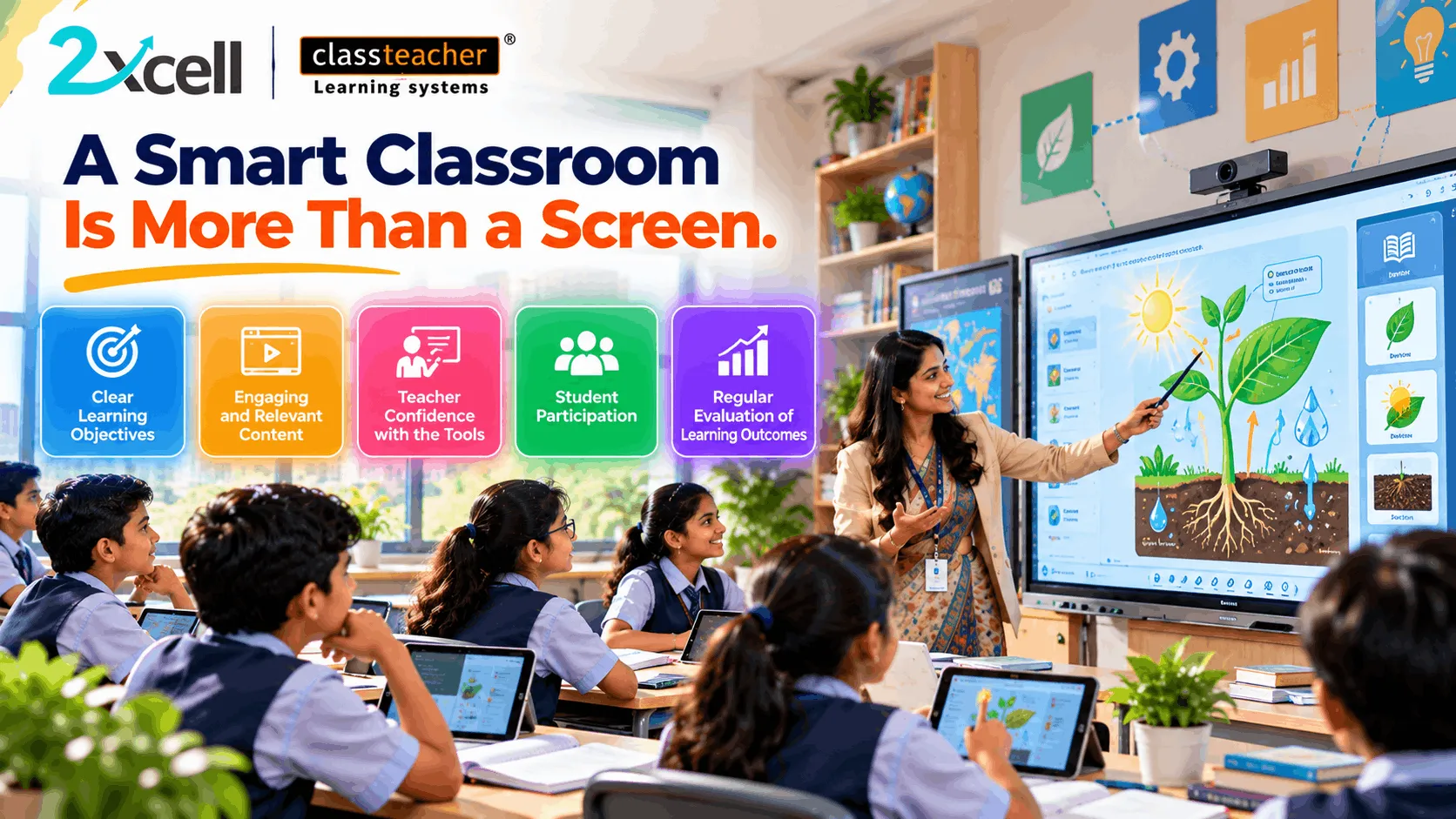
A practical smart classroom framework brings together five elements:
- Clear learning objectives
- Engaging and relevant content
- Confident teachers
- Active student participation
- Regular evaluation of learning outcomes
Each element plays a different role in turning classroom technology into a meaningful educational resource.
1. Begin With Learning Objectives, Not Equipment
Before investing in classroom technology, schools should identify the educational challenges they want to address.
For example, teachers may need better ways to explain complex scientific processes, encourage participation during mathematics lessons, or assess understanding across an entire class.
Once these needs are clear, school leaders can evaluate which tools are appropriate.
Consider a science lesson about the solar system. An interactive display may help a teacher demonstrate planetary movement, illustrate distances, and explain relationships that are difficult to communicate through static textbook images alone.
The technology becomes valuable because it supports a specific learning objective.
Schools can use the following questions when planning digital lessons:
- What should students understand by the end of the lesson?
- Which concepts need additional visual or practical explanation?
- How will students interact with the material?
- How will the teacher check understanding?
- What additional support might be required?
Starting with these questions helps schools avoid purchasing technology without a clear educational purpose.
2. Make Digital Content Relevant to the Curriculum
Digital content should complement classroom instruction rather than distract from it.
Animations, diagrams, demonstrations, interactive presentations, and educational videos can help teachers explain topics in different ways. However, content must remain accurate, age-appropriate, and aligned with the curriculum being taught.
For example, a mathematics teacher might use a digital graph to demonstrate how changing a variable affects a function. A science teacher could present a visual explanation of the water cycle, while a geography teacher might use interactive maps to explore physical features.
These resources give students additional ways to engage with the same concept.
Schools should also consider how easily teachers can access and organize relevant content. If resources are difficult to locate or require complicated preparation, teachers may struggle to use them consistently.
An effective digital learning environment makes relevant material accessible and practical for everyday teaching.
3. Invest in Teacher Confidence and Training
Technology can only support classroom learning when teachers feel confident using it.
Teachers need more than instructions for operating a digital display. They also need guidance on integrating technology into lesson planning, selecting appropriate activities, encouraging discussion, and assessing student understanding.
Professional development can include:
- Hands-on training with classroom equipment.
- Demonstrations of subject-specific teaching activities.
- Practice sessions for interactive lessons.
- Guidance on digital assessments and feedback.
- Troubleshooting support for common technical issues.
- Opportunities to share successful classroom practices.
For example, a teacher might know how to display a presentation but may need additional training to use interactive questions, gather student responses, and adapt the lesson according to the results.
Schools should provide ongoing opportunities for teachers to practise and improve.
The objective is to make technology a natural part of effective teaching rather than an additional responsibility that creates unnecessary complexity.
4. Encourage Students to Participate Actively
A classroom can contain advanced technology while students remain passive listeners.
To make digital learning meaningful, teachers should create opportunities for students to respond, discuss, experiment, and apply what they learn.
Interactive classroom activities may include:
- Live quizzes and polls.
- Questions displayed on interactive boards.
- Group problem-solving exercises.
- Student presentations.
- Digital experiments and simulations.
- Collaborative learning tasks.
- Student response systems.
For example, after explaining a concept, a teacher can ask students to answer a short question using an appropriate classroom response tool. The teacher can then review the responses and decide whether to continue or revisit the topic.
This creates opportunities to involve more students than a lesson based entirely on verbal questions might allow.
Participation should remain connected to the lesson's purpose. The goal is not to make every activity entertaining; it is to help students think, respond, and demonstrate understanding.
5. Use Classroom Assessments to Check Understanding
Teaching a topic does not always mean every student has understood it.
Regular classroom assessment helps teachers identify areas where students may need clarification or additional practice.
Digital tools can support this process through short quizzes, question-based activities, polls, and interactive assessments.
A lesson might follow this sequence:
Explain → Ask → Assess → Review → Reinforce
Suppose a teacher introduces a new mathematics method and then conducts a short assessment. If several students select the same incorrect answer, the teacher may recognize that a particular step requires further explanation.
Instead of waiting until a term-end examination, the teacher can address the misunderstanding while the topic is still being taught.
Assessment should therefore be treated as a source of useful feedback, not merely a method of assigning marks.
6. Evaluate Learning Outcomes Instead of Screen Usage
The number of digital lessons delivered is not enough to determine whether classroom technology is effective.
Schools should examine how technology contributes to the intended educational outcomes.
Useful indicators can include:
- Student participation during lessons.
- Understanding of key concepts.
- Performance in relevant assessments.
- Quality of student responses.
- Areas requiring additional practice.
- Teacher confidence in using classroom tools.
- Reliability and accessibility of equipment.
- Consistency of digital resource usage.
For example, an interactive activity may attract significant student participation, but teachers should also determine whether students can explain the concept afterward.
Similarly, a digital assessment may produce useful information, but its value depends on whether teachers use that information to improve instruction.
Regular evaluation helps schools distinguish between technology that is merely present and technology that is genuinely supporting learning.
7. Select Smart Classroom Solutions According to School Needs
Every school has different academic priorities, infrastructure, budgets, and teacher training requirements.
A suitable solution for one school may not be the best choice for another. School leaders should therefore evaluate technology according to their actual requirements.
Curriculum Compatibility
Does the solution support the subjects, grade levels, and learning objectives taught by the school?
Ease of Use
Can teachers operate the system and access resources without unnecessary difficulty?
Student Interaction
Does it provide practical ways for students to participate in lessons?
Assessment Capabilities
Can teachers conduct relevant checks of student understanding?
Training and Support
Are teachers provided with suitable training and technical assistance?
Maintenance and Reliability
Can the school maintain the equipment and minimize classroom disruption?
Future Requirements
Can the solution accommodate the school's evolving academic and technological needs?
A structured evaluation helps school leaders make decisions based on educational value rather than technical specifications alone.
8. Build Consistency Across Classrooms
A school may have several well-equipped classrooms, yet the benefits of technology can vary considerably between teachers and subjects.
One teacher may regularly use interactive activities, while another may use the same equipment only to display presentations.
Schools can address this difference by establishing practical guidelines for digital teaching.
These guidelines might cover lesson planning, resource selection, student participation, classroom assessments, and equipment management.
Teachers should also have opportunities to exchange ideas and demonstrate activities that work well in their subjects.
Consistency does not mean requiring every teacher to follow the same lesson format. Different subjects and age groups need different teaching approaches.
Instead, schools should establish shared expectations while allowing teachers the flexibility to choose suitable methods.
9. Connect Classroom Technology With Continuous Improvement
Smart classroom implementation should be an ongoing process rather than a one-time installation project.
Schools can gather feedback from teachers, observe classroom activities, review assessment results, and identify recurring technical challenges.
This information can help leaders decide where additional training, better content, equipment maintenance, or changes in teaching practices may be required.
A continuous improvement cycle can follow:
Plan → Implement → Observe → Evaluate → Improve
For example, teachers may report that a particular digital resource is difficult to integrate into a lesson. The school can investigate whether the issue involves training, accessibility, content suitability, or technical performance.
By reviewing implementation regularly, schools can make better use of their existing investments and identify priorities for future improvements.
10. How 2xcell and CLASSTEACHER Learning Systems Fit Into a Smart Classroom Strategy
Schools exploring digital learning may need a combination of classroom technology, educational content, assessment tools, and connected learning resources.
2xcell AI Learning Platform by CLASSTEACHER Learning Systems can form part of a school's broader digital learning strategy. Depending on the features available and implemented, a connected platform may support digital content, practice, assessments, analytics, personalized learning, and student progress tracking.
CLASSTEACHER Learning Systems also offers classroom technology solutions, including smart classroom resources and Clicker-based student response systems.
These tools can support different stages of classroom instruction. Teachers can introduce concepts through appropriate digital resources, encourage students to participate in activities, and use assessments to identify areas requiring further explanation.
The important consideration is how well each solution meets the school's actual requirements.
School leaders should evaluate available features, curriculum suitability, ease of use, training needs, and support arrangements before selecting a solution.
Technology should fit the school's teaching strategy—not force teachers to change their educational priorities simply to accommodate a device.
Common Mistakes Schools Should Avoid
Schools can improve their chances of successful implementation by avoiding several common mistakes.
Buying technology without a defined purpose: Identify the educational need before selecting equipment.
Ignoring teacher training: Provide practical opportunities to develop confidence and teaching skills.
Using content without reviewing its quality: Check accuracy, curriculum alignment, and age suitability.
Confusing screen time with engagement: Encourage students to think, respond, and apply concepts.
Overlooking assessment: Evaluate whether students understand the material being taught.
Neglecting maintenance: Plan for equipment reliability and technical support.
Failing to review implementation: Gather feedback and make improvements as needs evolve.
A thoughtful approach helps schools focus on educational outcomes rather than technology adoption alone.
Conclusion
A smart classroom is not defined by the size of its screen or the number of digital devices installed. It is defined by how effectively technology supports teachers and students throughout the learning process.
Clear learning objectives, relevant digital content, teacher confidence, student participation, and regular evaluation are essential components of meaningful digital education.
When these elements work together, technology can help teachers explain concepts, create opportunities for interaction, assess understanding, and identify areas where students need additional support.
For school leaders, the most important question is not simply which technology to purchase. It is how that technology will contribute to better teaching and learning.
With thoughtful planning and suitable solutions from CLASSTEACHER Learning Systems, including relevant classroom resources and the 2xcell AI Learning Platform where appropriate, schools can work towards digital learning environments that are purposeful, engaging, and responsive to educational needs.
The best smart classroom is not the one that uses the most technology. It is the one that uses technology with the greatest educational purpose.
Teach with Purpose. Engage Every Learner. Measure What Matters.